
Categorization
The Categorize page holds four tabs, each a different lever over how a transaction gets named and filed. They look similar, but they reach into your data in very different ways. The distinction that matters most: some changes touch only transactions that arrive from now on, and one touches everything you already have.
Categories
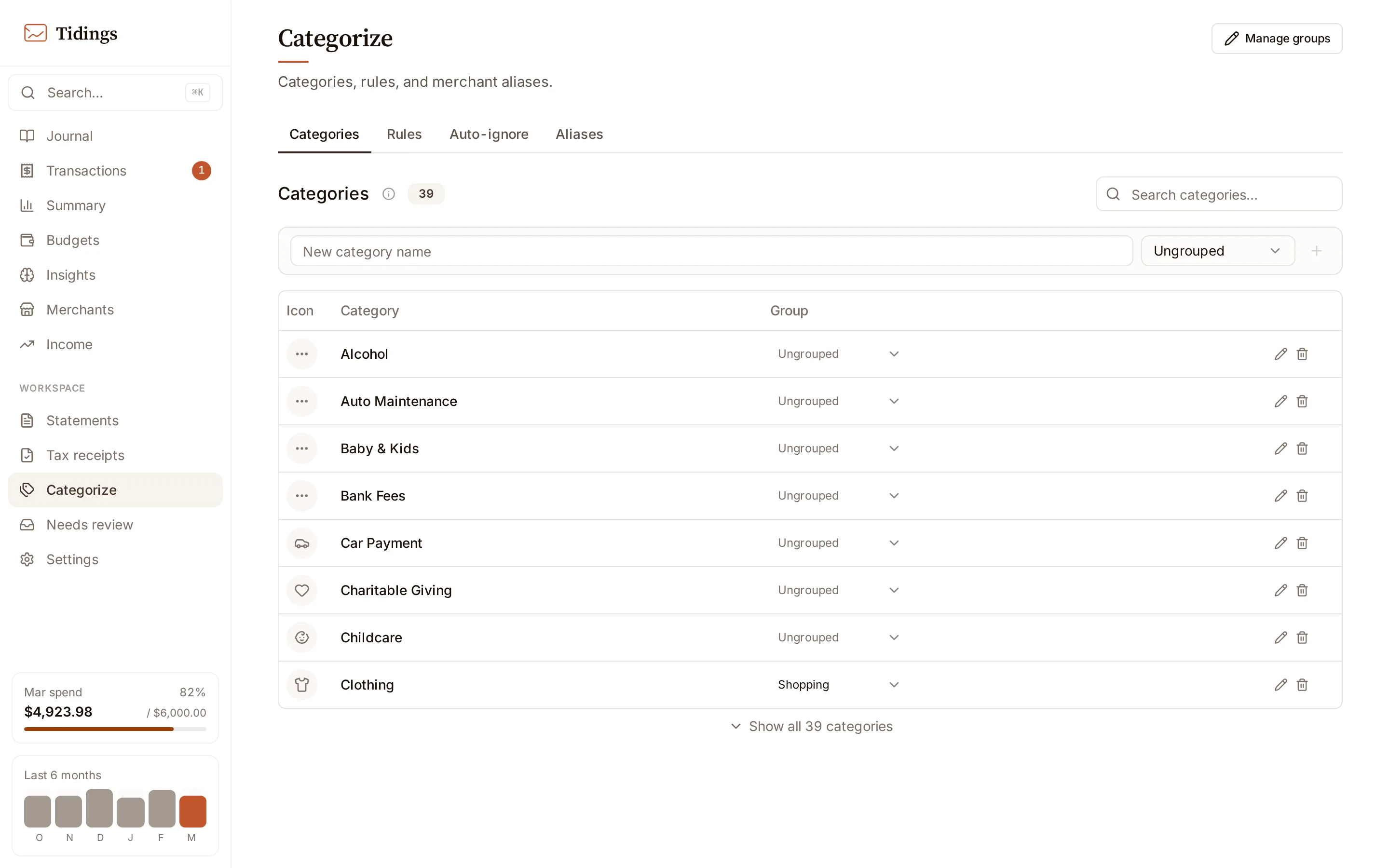
Section titled “Categories”This tab is your category vocabulary, grouped into super-categories. Those groups are the same ones Summary and Budgets read from, so the list here is the shared spine of the whole app.
Renaming a category is the one retroactive action in the product. When you rename, Tidings cascades the new name across every transaction that carried the old one, across your overrides, and across your budget entries in a single pass. Every other tab on this page changes future transactions only.
Rules are category overrides: a merchant pattern pinned to a category. An override applies to new transactions at ingestion, and it skips the AI categorizer entirely — the pattern wins before the model is ever asked. Transactions already in your history keep whatever category they were saved with; a new rule does not reach back and recategorize them.
Matching runs in tiers. An exact merchant name matches first, then a normalized or aliased form, and only then a fuzzy similarity score. A fuzzy match auto-applies when the similarity reaches 0.90 or higher.
Tidings also learns. When you correct a merchant’s category by hand, that correction becomes a suggested rule. Dismiss a suggestion and it stays quiet, but if you correct the same merchant again it resurfaces. Where you have accumulated several overrides that point at the same merchant, Tidings offers to consolidate them.
Auto-ignore
Section titled “Auto-ignore”Auto-ignore marks a merchant pattern as ignored at the moment a transaction is written. An ignored transaction is excluded from totals, from budget pace, and from briefings — the mechanism exists for credit-card payments, transfers, and other movements that would double-count real spending.
By default an ignore rule affects new transactions only. Choose apply to history and Tidings backfills the rule across your existing rows, with one deliberate exception: it never re-ignores a transaction you previously restored by hand. Suggestions surface for merchants whose recent activity you have mostly been ignoring one transaction at a time.
Aliases
Section titled “Aliases”An alias maps a raw bank description to a display name. This is purely cosmetic. It changes how a merchant reads on Merchants and the income statement, and it drives how transactions group there, but the stored transaction and its category are untouched. Rename a merchant here and nothing about its classification moves.
Read how Tidings works for where categorization sits in the ingestion path, and see Needs review for the emails that never became transactions in the first place.